Your WorldMark owner website is your one-stop shop for managing all aspects of your WorldMark ownership. Watch instructional videos and access how-to articles on how to register and log into the website, book and cancel reservations, make payments, and much more. Here you’ll find all the info you need to use the website like a pro!
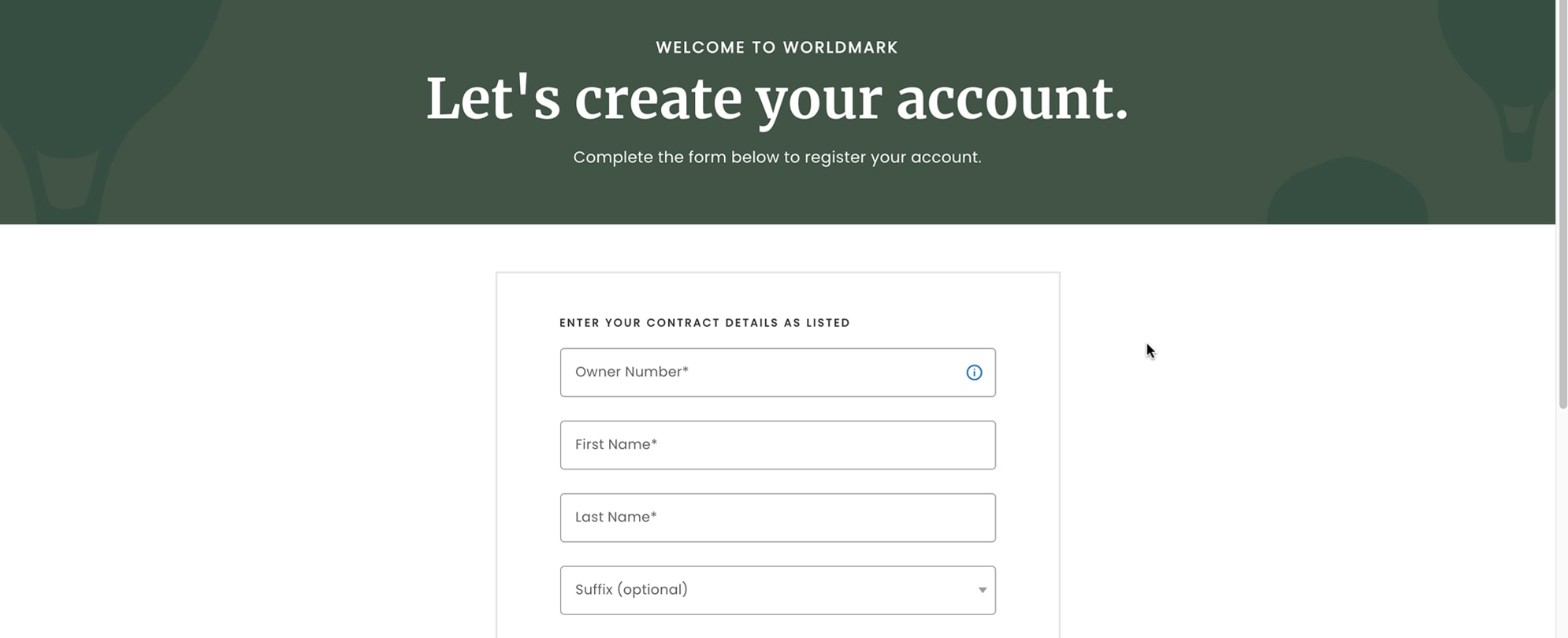
Registering for your online account is fast, simple, and secure. Check out the step-by-step overview on how to register for your owner website — you’ll be one step closer to your next family vacation in no time.
The first step on any vacation journey is deciding where to go, and your owner website makes it simple. Discover how to search for resorts using the Resorts tab, and start planning your next family vacation.
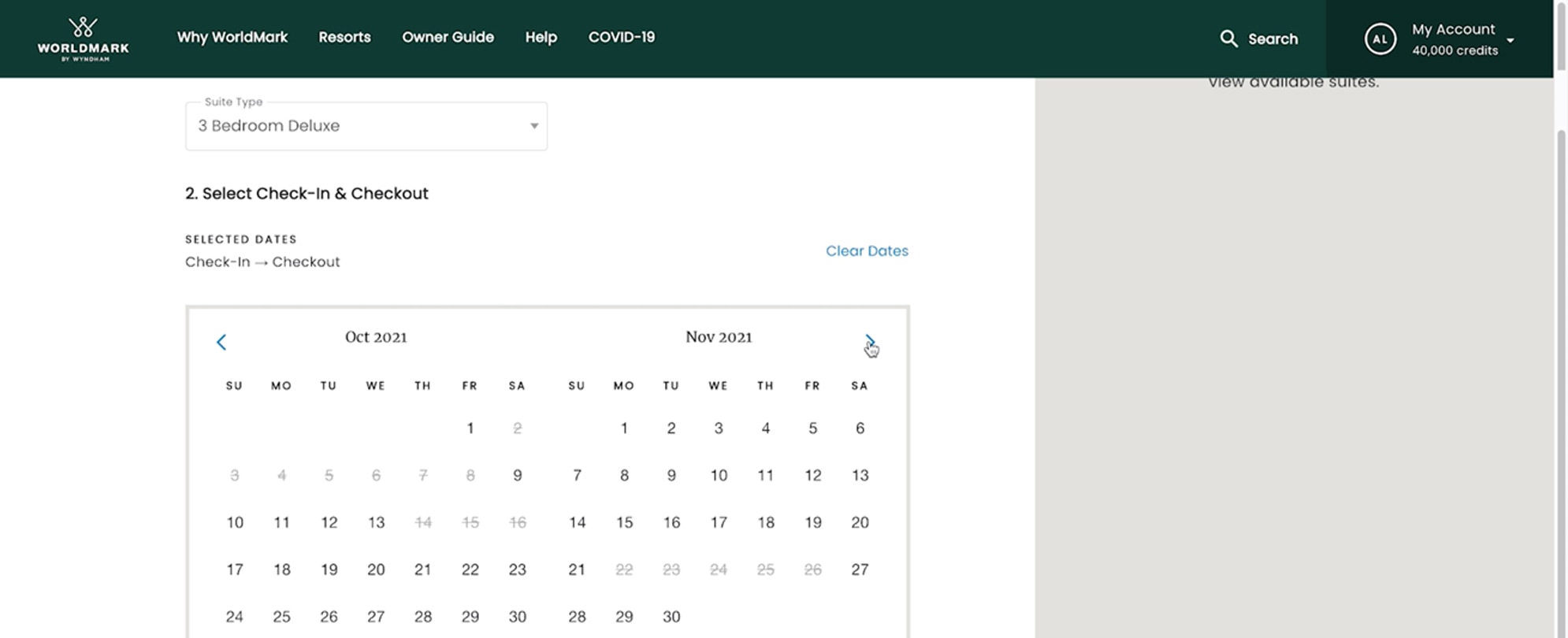
In the Resorts section, it’s easy to view monthly availability for all your favorite destinations. Discover how to view upcoming availability at resorts for your entire booking window to find the perfect dates for your next family trip.
Sometimes vacation plans change. Discover how to easily cancel a reservation online with this step by step overview.
When the vacation dates you want aren’t available, you can turn to your resort waitlist to get that vacation you want. See how to easily submit a waitlist request online, step by step.
Once you’ve decided on the perfect destination, picked your travel dates, and found the right resort, here’s how to book your family vacation online. Follow these three simple steps to get your next trip on the books.
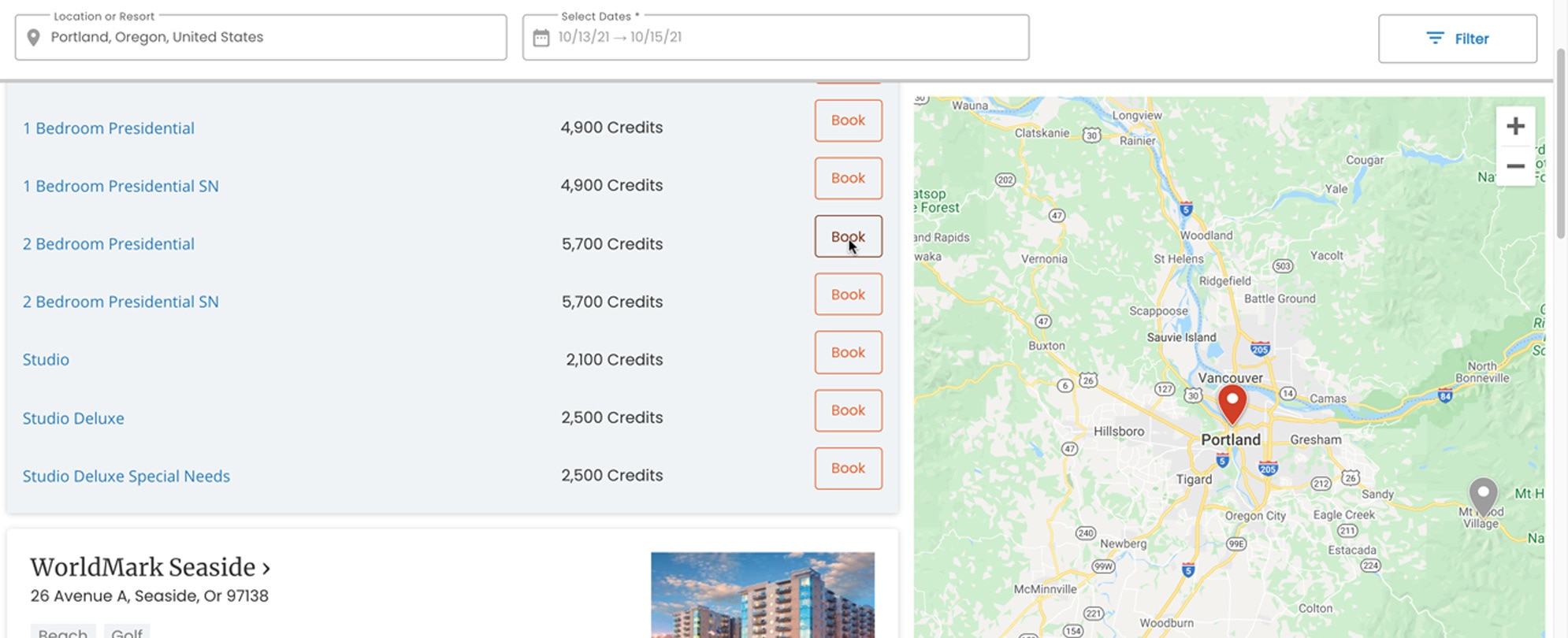
Discover two easy ways to search resort availability, either by starting with a resort and suite type, or by starting with a location and dates.
Learn more about how you can take advantage of discounted rates on your favorite vacation destinations with WoldMark by Wyndham Bonus Time.
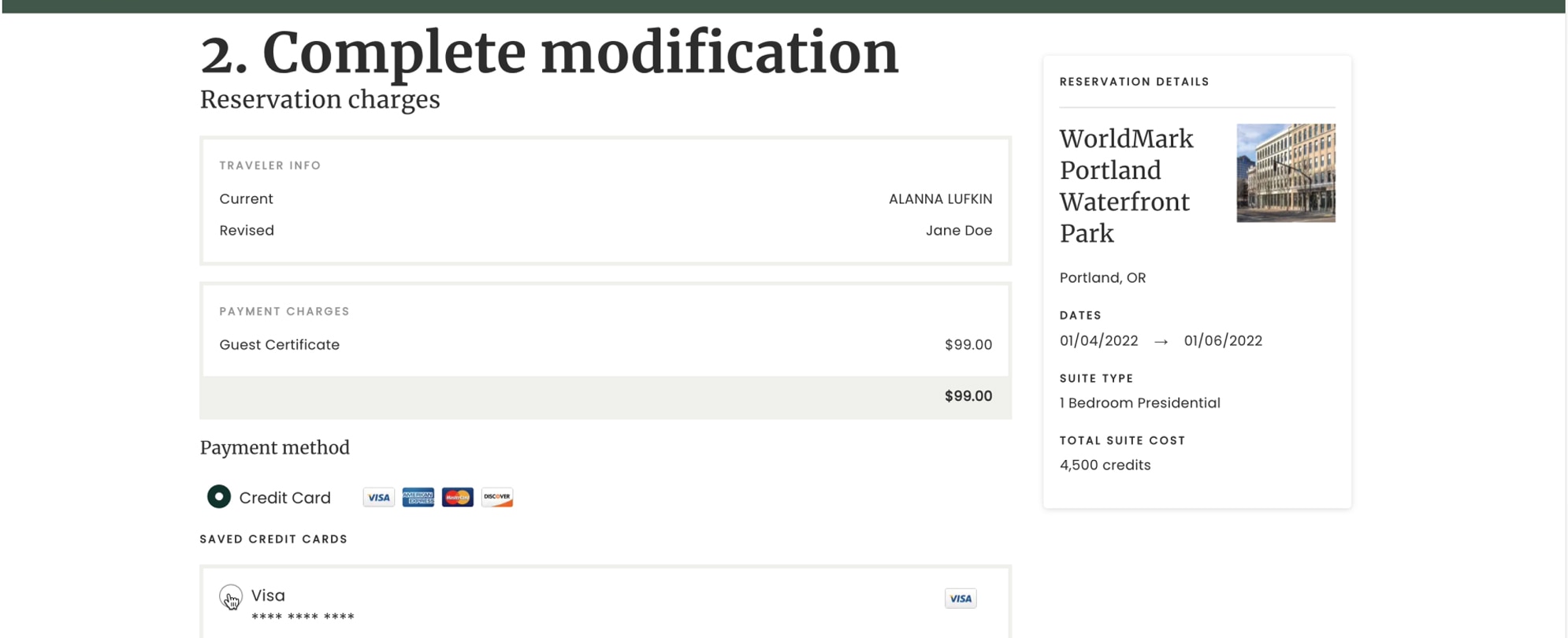
Learn how to modify your vacation reservations including how to update your length of stay, change the traveler, or add Credit Protection.
Follow these quick and easy step-by-step instructions and learn how to make a Special Assessment payment online.
Discover how easy it can be to rent your unused vacation time with VacationShare, a cutting-edge, self-listing rental platform.
Learn how to take advantage of the Saved Search feature and save time when you are performing a repeat search for a specific resort and dates.
Learn how to take advantage of the Regional Search feature to see all availability within a specific geographic region, to maximize your vacation options.
Find answers to frequently asked questions about your WorldMark website.